> For the complete documentation index, see [llms.txt](https://docs.epicollect.net/llms.txt). Markdown versions of documentation pages are available by appending `.md` to page URLs; this page is available as [Markdown](https://docs.epicollect.net/mobile-application/re-use-answers.md).
# Re-use answers
TEXT and TEXTBOX question types feature a look-up on previously entered answers to save time when collecting entries.
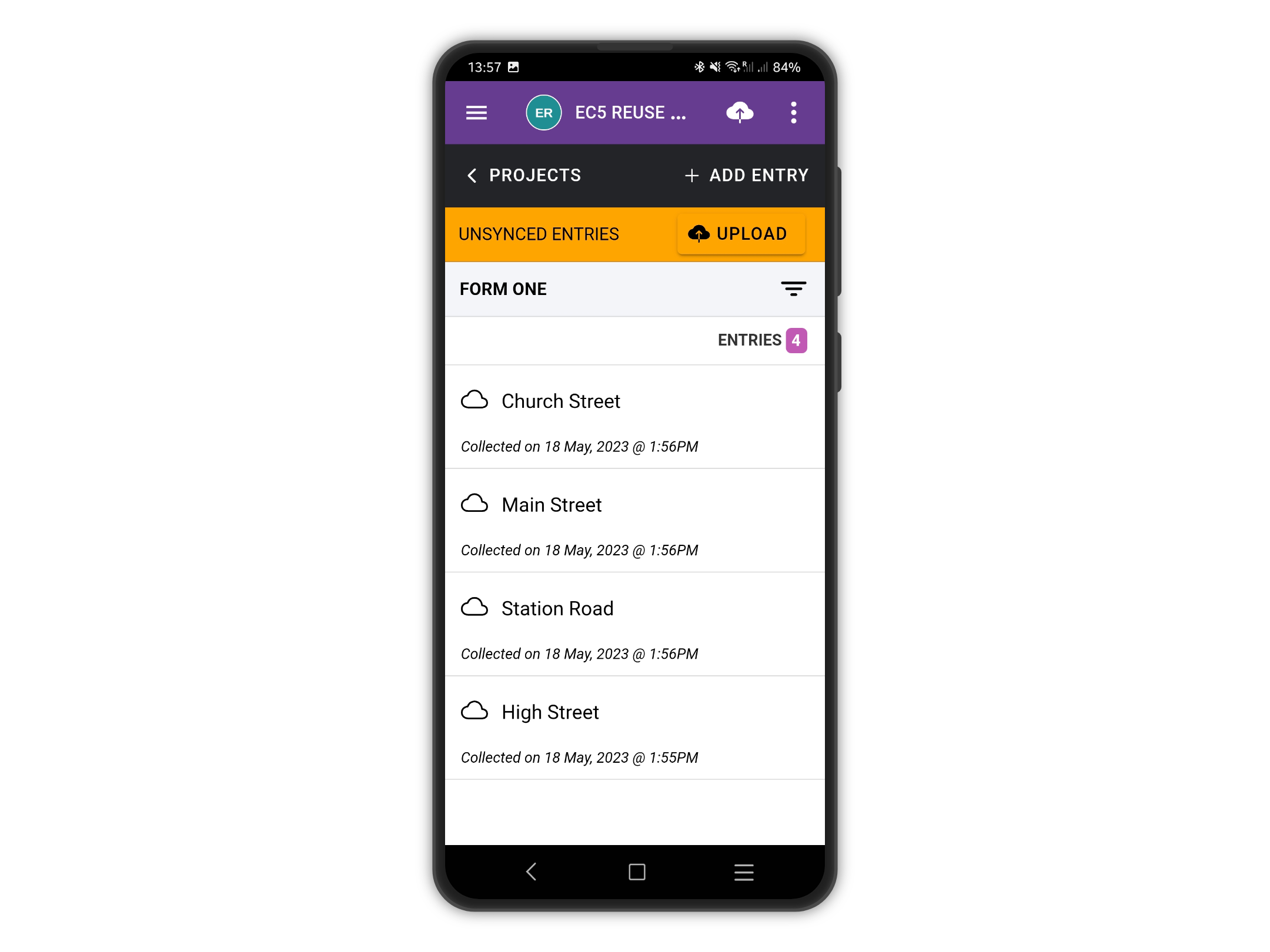
In the following example, we are collecting road names using a TEXT question. To avoid typing the same road names over and over, you can re-use the answers you saved already on the device.
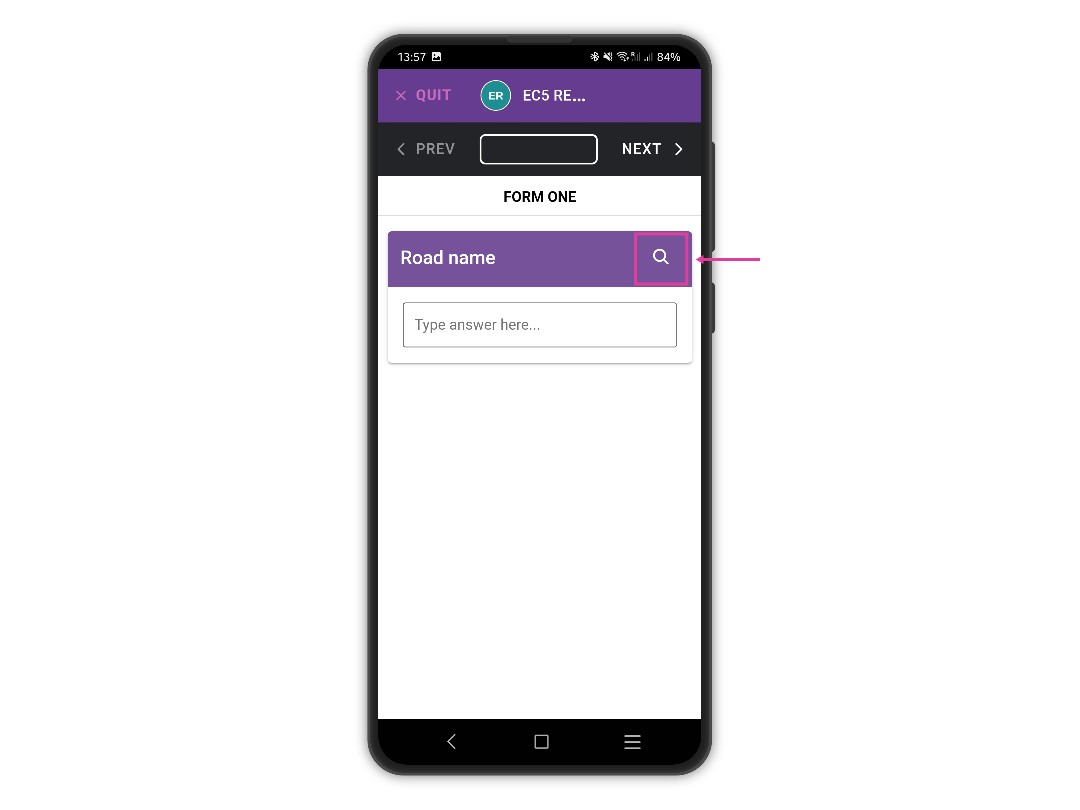
When entering a new entry, tap the lens icon to open the search panel.\\
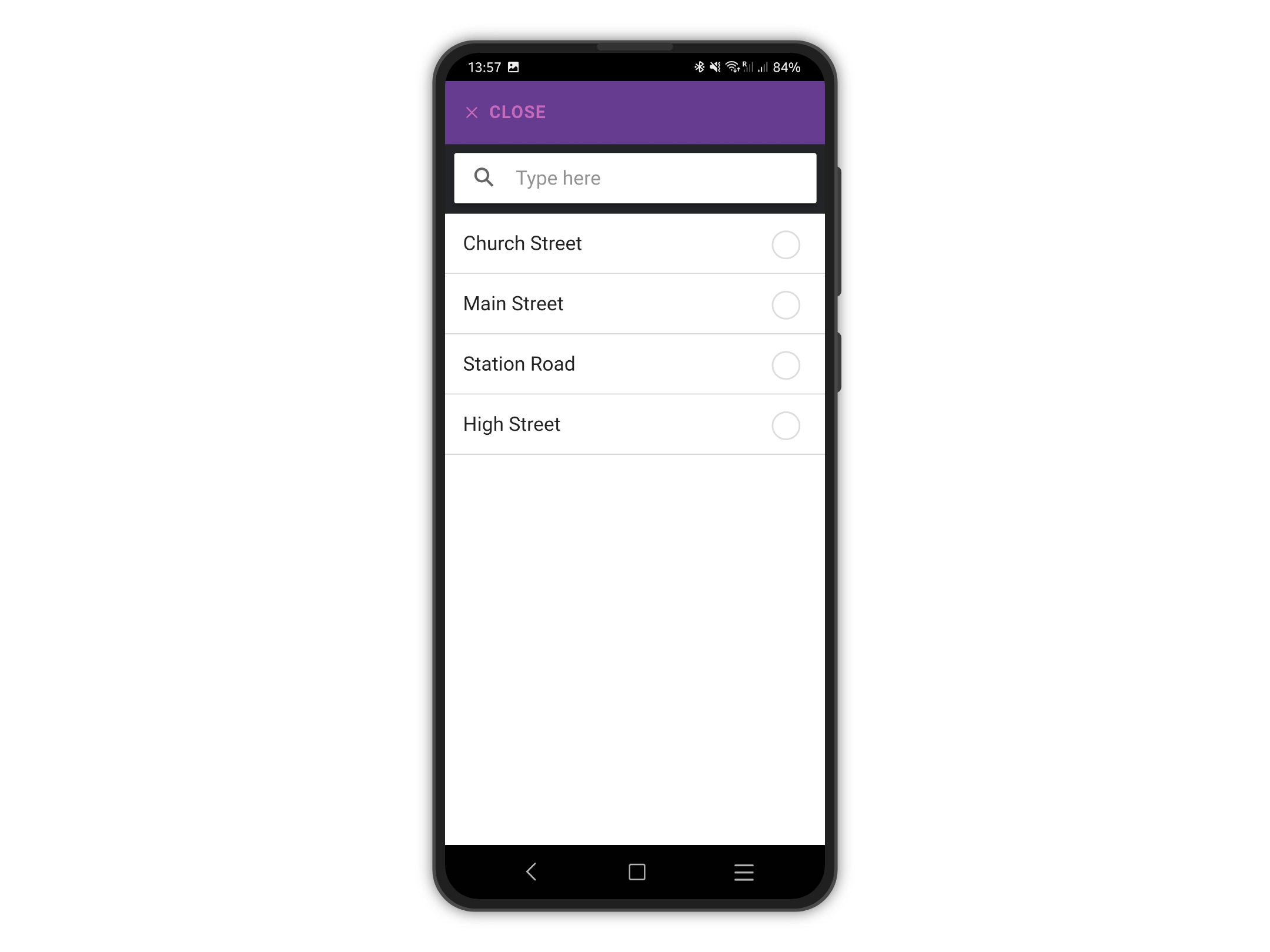
Pick a saved answer from the list and tap CLOSE.
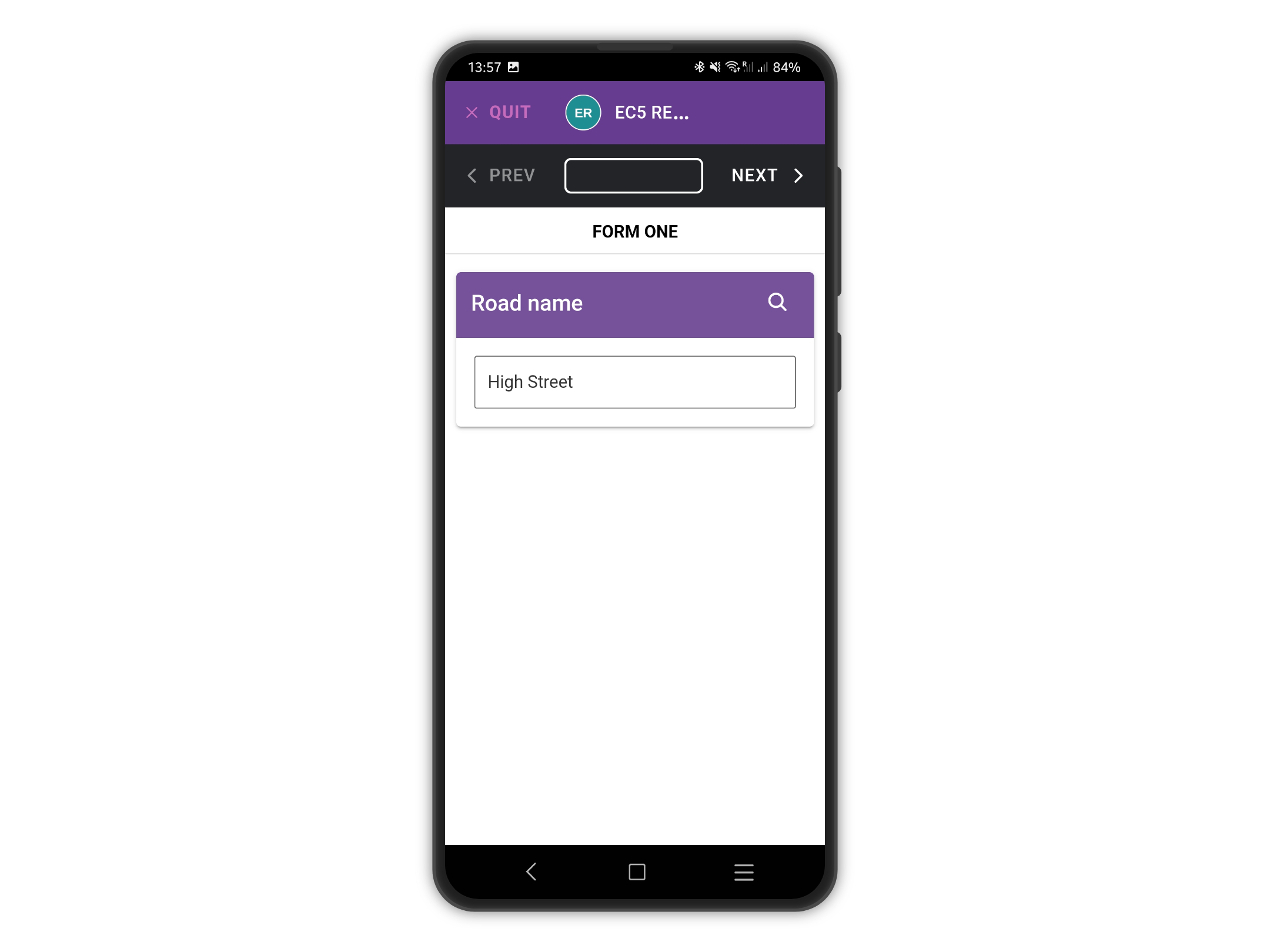
The selected answer will be used.